Google Business Profile in Qatar: Setup, Verification & Optimization
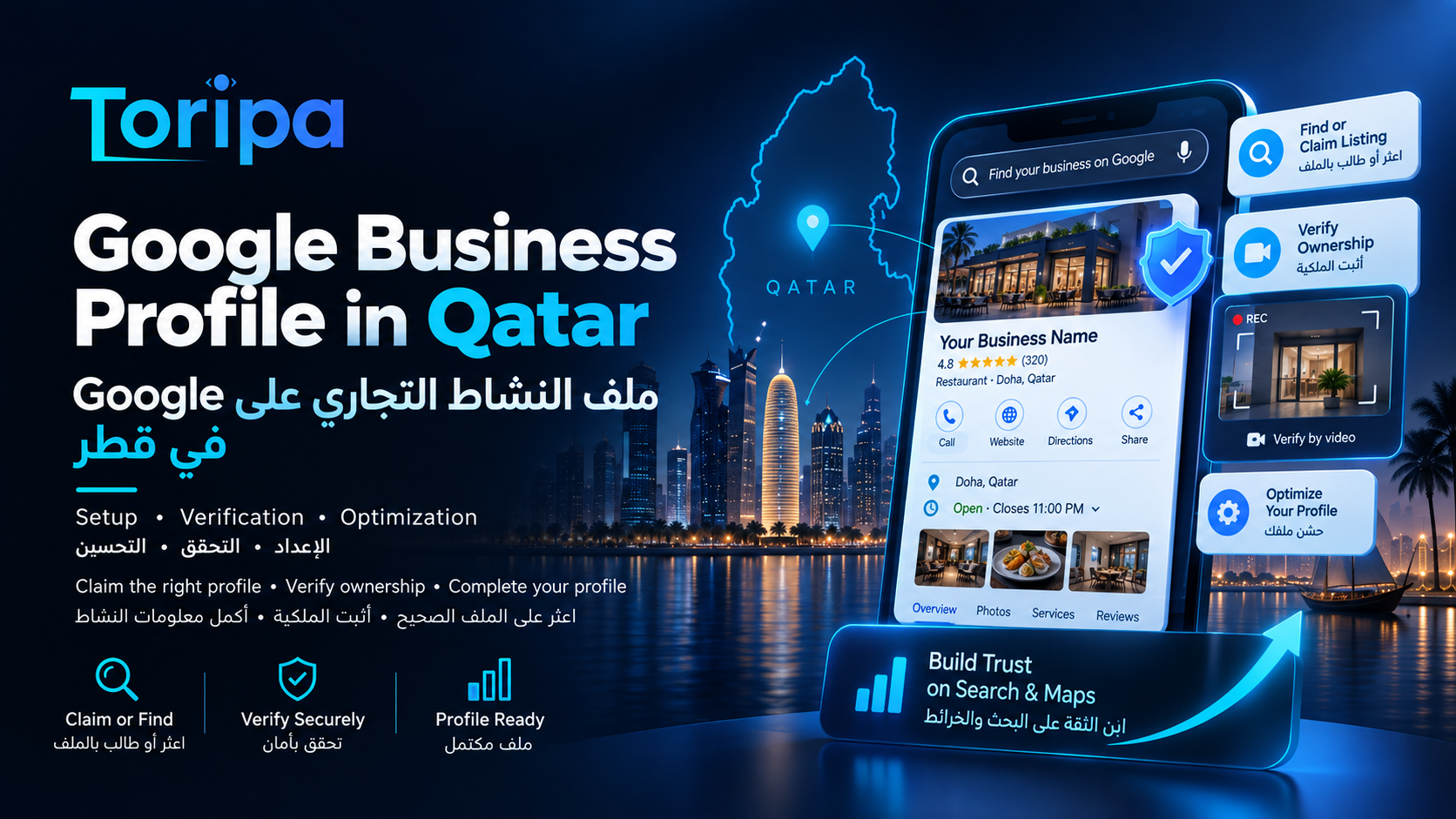
Google Business Profile in Qatar · Google guidance checked 14 September 2026
Google Business Profile in Qatar: Setup, Verification & Optimization
A Google Business Profile can put an eligible Qatar business directly on Google Search and Maps, but only when the profile represents a real business accurately. The most important work happens before anyone worries about map positions: find or claim the correct listing, use the real business identity, configure the address or service area properly, verify ownership, and complete the customer-facing information without keyword stuffing or fake locations.
Claim the right profile
Search first, avoid duplicates, and use the business-controlled Google account for ownership.
Pass verification cleanly
Prepare real location, business and management evidence for the verification option Google gives you.
Complete the profile
Categories, hours, contact details, services and media should help customers understand the real business.
Before creating anything, search Google for your business
One of the easiest mistakes is creating a new profile when Google already has one. Search the exact business name on Google Search and Maps, then check the address, phone, website and photos carefully. If the profile exists but is unverified, claim it. If another account already verified it, request ownership. Google states that one business should not have multiple profiles simply because different people manage it or because it offers several services.
No profile exists
Create the business through Google and follow the setup flow with the correct real-world details.
Unverified profile exists
Claim the existing listing and complete the verification Google offers.
Someone else owns it
Request access from the current owner instead of creating a competing duplicate profile.
First decide whether the Qatar business is actually eligible
Google Business Profile is not a directory for every website. Google's guidelines are built around businesses that interact with customers in person: either customers visit a real location, the business travels to customers, or both. A purely online business should use its website and other Google products rather than inventing a physical presence for Maps.
Storefront
Customers can visit the stated location during business hours. The address should be real and supported by permanent signage.
Service-area business
The company goes to customers and does not receive them at its address. The public address should be hidden and the real service area configured.
Hybrid
Customers can visit the staffed location and the business also travels or delivers to customers. It can show the legitimate address and define a service area.
Virtual offices are a common problem. Google says a rented mailing address where the company does not actually operate is not eligible. Coworking offices need a real staffed presence, clear signage and the ability to receive customers there during stated hours. If your main question is the wider local-search strategy rather than profile setup, use our local SEO in Qatar guide.
Google Business Profile setup checklist for Qatar businesses
Search before creating
Look for the real business name and location on Google Search and Maps before adding anything. If a profile already exists, claim it or request access instead of creating a second listing.
Confirm eligibility
A Business Profile is for businesses that make in-person contact with customers at a real location or travel to customers. Online-only businesses are not eligible.
Choose the correct business model
Decide whether the business is a storefront, service-area business or hybrid. That choice affects whether the address should be visible and how the profile should be represented.
Use the real business identity
Enter the real-world business name, a working phone number, the correct website and a precise address or service area. Do not add keywords to the business name unless they are genuinely part of the name used offline.
Select a specific primary category
Choose the category that best describes the business itself, not every service it happens to offer. Add only genuinely relevant secondary categories.
Prepare for verification
Google chooses the available verification method automatically. Make sure the account holder can show the location, business activity and proof of management if video verification is offered.
Complete customer-facing details
After verification, review hours, special hours, description, services, attributes and photos so the profile accurately reflects what a customer can expect.
Protect ownership
Keep the primary owner under an account controlled by the business. Invite staff or an agency as owners or managers instead of sharing passwords.
How to optimize the profile without turning it into keyword spam
Good optimization makes the profile more accurate, complete and useful. It does not mean rewriting every field around the same search phrase. Google can review edits, and the representation guidelines repeatedly prioritize the business as it exists in the real world.
Business name
Use the name customers see in the real world on signage, stationery and branding. Adding location or service keywords only for Google can violate the representation guidelines.
Primary and additional categories
Pick the most specific primary category that describes what the business is. Google currently allows up to nine additional categories, but more is not automatically better.
Address or service area
Storefronts need a legitimate customer-facing location. A service-area business that does not receive customers at its address should hide that address and define the areas it actually serves.
Phone and website
Use contact details that lead to the actual business or location. The website should represent the same company, offer and location information shown on the profile.
Opening and special hours
Keep normal hours accurate and use special hours when holidays or temporary schedule changes affect availability. Customers should not arrive at a closed location because the profile was never updated.
Services and attributes
Eligible categories can add services, descriptions and other attributes that help customers understand the offer. Use them to describe real services, not to manufacture a list of search keywords.
Photos and videos
Add clear, current media of the storefront, team, work, products or environment where appropriate. Google says media appears only after the profile is verified.
Business description
Explain what the business does, who it serves and what makes it useful. Google prohibits links in this field and does not want sales-focused promotional copy or irrelevant content.
How Google Business Profile verification works in 2026
The key point is that you do not pick whichever verification method you prefer. Google says the available method is selected automatically based on factors such as business type, public information, region and opening hours. Some businesses may need more than one verification method. Use the option shown inside the profile rather than relying on an old tutorial that assumes postcards or phone verification will always be available.
Phone or text
If Google offers this method, the business must be able to receive the code on the displayed business number.
When available, the account must have access to the exact email address Google presents for verification.
Video recording
Google may ask for one continuous mobile recording showing the business location, proof the business exists and proof that the person recording manages or represents it.
Live video call
Some profiles may be offered a live call where a support representative asks to see location and management evidence through the device camera.
If Google asks for video verification, prepare the evidence before you record
Video verification fails when the recording proves only one piece of the puzzle. Google wants to confirm the place, the existence of the business and your authority to manage it. The exact evidence differs between a customer-facing storefront and a service-area business.
Storefront or hybrid
Show nearby street or building identifiers, permanent business signage matching the profile name, and access to something employees or managers control.
Service-area business
Show location context, professional tools/equipment or branded work materials, and evidence that you operate or manage the business.
Recording format
Google says video verification must be an unedited, unique recording with no breaks, recorded and uploaded from a mobile device, and at least 30 seconds long.
Protect sensitive information
Do not include bank details, tax or ID numbers, private personal information or other people's faces in the verification recording.
For a Doha storefront, that may mean starting outside with a recognizable street or building marker, showing the permanent business sign, then demonstrating access to a staff-only area or system. For a mobile service company, it may mean showing location context, the tools or branded vehicle used for work, and a legitimate business document or other proof of management. The goal is evidence, not a promotional video.
Set up ownership so the business never loses control of its profile
The safest arrangement is simple: the company keeps primary ownership under a Google Account it controls, and gives named employees or external partners their own access. Google supports owner and manager roles specifically so teams do not need to share a password. Owners can manage users; managers can handle most day-to-day profile work but cannot add or remove users or remove the profile.
Recommended
Business-controlled primary owner → additional internal owner if appropriate → staff/agency access through People and access.
Avoid
Agency-owned primary account, shared passwords, former employees as the only owner, or a profile nobody at the company can recover.
Google also places temporary limits on some actions for newly added owners and managers. That is another reason to fix ownership before a crisis rather than the day you need to remove an old account or transfer control.
Common Google Business Profile setup problems in Qatar
The business already exists on Google
Do not create another profile. Claim the unverified listing. If another person already verified it, use Google's ownership-request process instead.
An old agency or employee owns the profile
Request ownership and move primary ownership to an account controlled by the business. After access is restored, add agencies and staff through People and access instead of sharing the owner's login.
Google marked the profile as a duplicate
One business should not have multiple profiles merely because it offers several services. Resolve the duplicate instead of trying to optimize several competing listings for the same business.
A profile edit is still pending
Google reviews edits. Its current help page says changes often review quickly but can remain pending for up to 30 days. Avoid repeatedly changing accurate information while a legitimate edit is under review.
The address is a virtual office or mailbox
A rented mailing address that the business does not genuinely operate from is not an eligible location. A coworking office also has specific staffing, signage and customer-facing requirements.
The business works from home and visits customers
This is commonly a service-area setup. If customers are not served at the home address, Google says to remove the address from public display and configure the real service area instead.
What this setup does—and what it does not do
A clean, verified profile gives Google and customers trustworthy information about the business. That is foundational local-search work, but it is not a guarantee of a specific Maps position. Local visibility also depends on the search itself, the searcher's location, prominence, reviews, the website, competition and other signals. Treat profile setup as the identity and eligibility layer; ranking and reputation require ongoing work after that foundation is correct.
For the full system around Maps visibility, local pages, reputation, citations and lead measurement, continue with the complete local SEO in Qatar guide.
Where Toripa Tech can help
Ongoing SEO services in Qatar combining technical maintenance, on-page optimization, Qatar-focused content publishing, internal linking, local SEO, Search Console monitoring, and conversion-focused continuous improvement.
The current service starts at Starting from QAR 999/month. The starting price is intended for a focused Qatar small-business campaign on an existing website, typically including continuous technical/on-page optimization, Search Console monitoring, internal linking, local-search improvements where relevant, monthly reporting, and up to two focused SEO content pieces per month. Larger websites, highly competitive industries, heavier Arabic/English content production, digital PR/link outreach, multi-location SEO, e-commerce catalogues, paid-media management, or unusually high publishing volume require a larger scope.
Official Google sources used for this guide
Business Profile rules and verification options can change. The sources below are Google's own documentation and were checked on 14 September 2026.
Add or claim your Business Profile
Google explains that eligible businesses can add or claim a profile at no charge and should claim an existing listing rather than create another one.
Official sourceGuidelines for representing your business
The core rules for eligibility, real-world business names, addresses, virtual offices, storefronts and service-area businesses.
Official sourceVerify your business on Google
Google says verification methods are selected automatically and may include phone/text, email, video recording or other available methods.
Official sourceVerify with a video recording
Official requirements for video length, recording format and the location, existence and management evidence Google may ask to see.
Official sourceEdit your Business Profile
Google's current guidance for business names, categories, address, contact details and other profile information.
Official sourceManage owners and managers
Official role and access guidance so businesses can add staff or agencies without sharing the primary owner's password.
Official sourceResolve duplicate profiles and ownership issues
Google's process for duplicates and profiles that are already verified by another account.
Official sourceFrequently asked questions about Google Business Profile in Qatar
Is Google Business Profile free in Qatar?
Yes. Google states that eligible businesses can add or claim a Business Profile at no charge. You may still pay an employee, consultant or agency to help with setup or ongoing local SEO, but Google does not charge a fee to create or claim the profile itself.
Who is eligible for a Google Business Profile in Qatar?
A business generally needs to make in-person contact with customers during its stated hours, either at a real customer-facing location or by travelling to customers. Online-only businesses are not eligible under Google's Business Profile guidelines.
How do I verify a Google Business Profile in Qatar?
Start the verification flow from the Business Profile and use the method Google offers. Google says the available methods are selected automatically based on factors such as the business type, public information, region and opening hours, and in some cases more than one method may be required.
Can I choose phone verification instead of video verification?
Not necessarily. Google says verification methods are automatically determined and cannot be changed manually. If video is the available method, prepare the required location, business and management evidence rather than trying to force a different verification path.
Can I use a virtual office for my Google Business Profile in Qatar?
A rented mailing address or virtual office where the business does not actually operate is not eligible. Google also applies specific requirements to coworking locations, including clear signage, receiving customers there during stated hours and having the location staffed by the business's own staff.
Should a service business show its home address on Google?
If customers do not visit that address and the business travels to them, Google says the address should be hidden and the profile should use an accurate service area. A genuine hybrid business that receives customers at the location may show the address and also define a service area.
What should I do if someone else controls my Business Profile?
Use Google's ownership-request process rather than creating a duplicate. Once you regain access, keep primary ownership with an account controlled by the business and invite employees or agencies through the profile's owner and manager permissions.
Does optimizing a Business Profile guarantee first place on Google Maps?
No. A complete, accurate profile is a necessary local-search foundation, but it cannot guarantee a specific Maps position. Google uses multiple local-ranking signals, including relevance, distance and prominence. Profile setup and local ranking are related but not the same job.
Can Toripa Tech set up and optimize Google Business Profile as part of SEO?
Ongoing SEO services in Qatar combining technical maintenance, on-page optimization, Qatar-focused content publishing, internal linking, local SEO, Search Console monitoring, and conversion-focused continuous improvement. The current service starts at Starting from QAR 999/month; final scope depends on the website, locations, languages, competition and the amount of profile and local-search work required.
Need a clean Business Profile setup before you invest in local SEO?
Send us the business website, the existing Google profile if there is one, and a clear explanation of whether customers visit your location or you travel to them. We can identify the setup, ownership and eligibility issues first, then decide what local-search work is actually worth doing.
Free SEO review and growth-plan discussion with no obligationReady to Grow Your Business Online?
Let's discuss how we can help you build a powerful online presence that attracts customers and drives results.
Get in Touch